Help & support
How Weavana works — planning, teaching, billing, and more.
Getting started
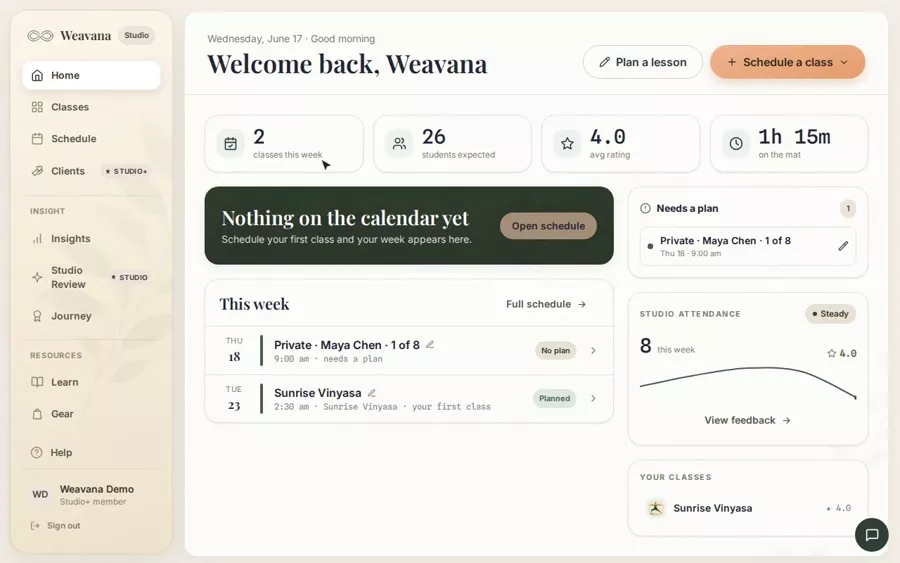
What is Weavana Studio?
Getting startedA quick tour: class types, scheduling, lesson planning, teach mode, and feedback.
Log in to Studio
Getting startedSign in with your email and password or with Google.
Reset a forgotten password
Getting startedGet a reset link by email and choose a new password.
Replay the product walkthrough
Getting startedRe-run the guided tour of planning, scheduling, and teaching a class — any time, from your profile.
Grow with the Learn panel
Getting startedA daily pose, deeper writeups, gear we trust, and trainings — all under Learn.
Classes & scheduling
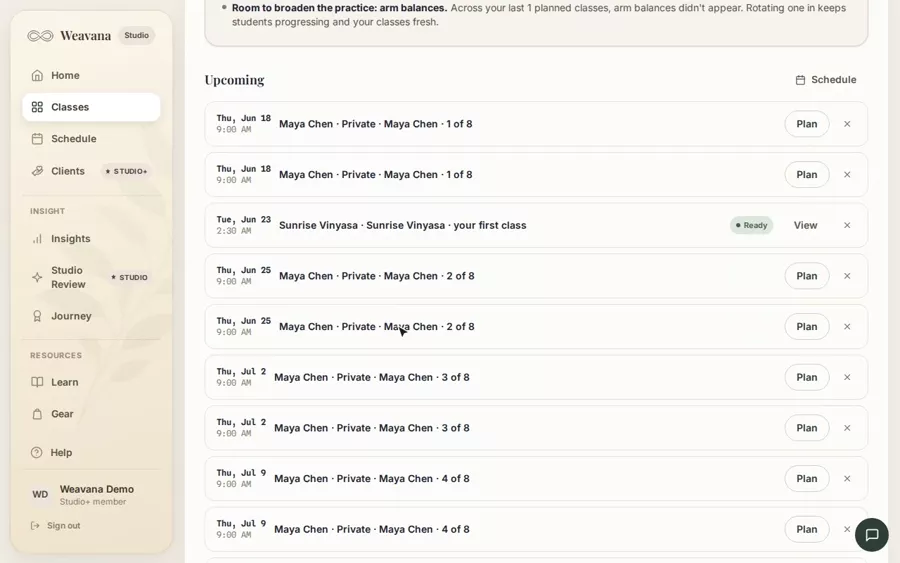
Create a class type
Classes & schedulingDefine a class you teach regularly — name, style, level, and length — so you can schedule and plan it.
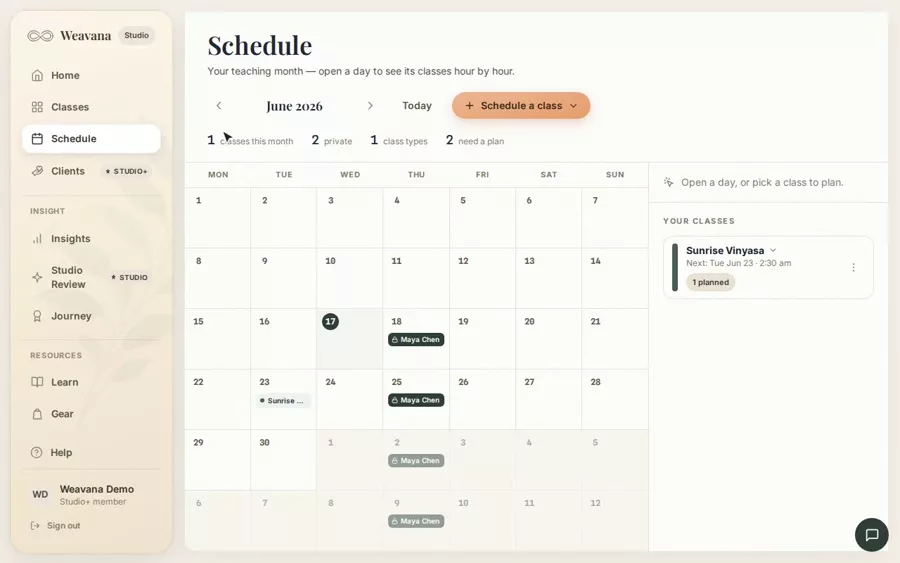
Schedule a class
Classes & schedulingPut a one-off or repeating class on your calendar — weekly or every two weeks, with no end date or until a date you pick.
Sync your schedule to Google or Apple Calendar
Classes & schedulingSubscribe your phone or computer calendar to your Weavana schedule — classes, and any change you make, keep syncing, with private-session co
Cancel, move, or change a scheduled class
Classes & schedulingMove a class to another day or time, cancel a session, end a recurring class going forward, or extend a series — from the Schedule page or t
Add notes & announcements to a practice
Classes & schedulingPre-class reminders — workshop signups, props to bring, schedule changes — saved on the practice and shown before you teach.
Plan a one-off (ad-hoc) practice
Classes & schedulingBuild a practice that isn't tied to any class type — workshops, privates, your own practice.
Subscribe to your schedule in Google or Apple Calendar
Classes & schedulingSync your whole Weavana schedule — or just one class — to Google or Apple Calendar so your classes and any changes appear automatically, wit
Lesson planning
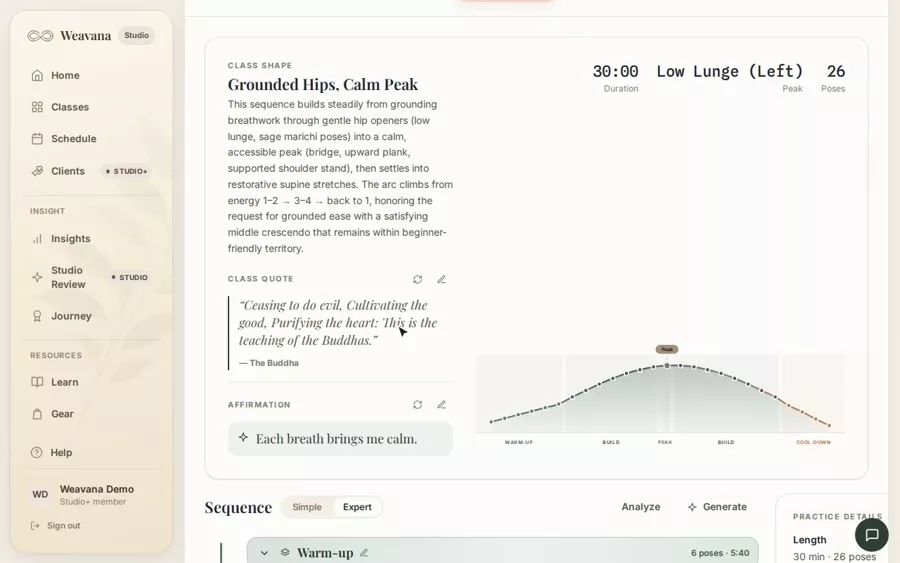
Generate a lesson plan automatically
Lesson planningDraft a full pose sequence from a class shape — intensity arc, duration, and an optional peak pose.
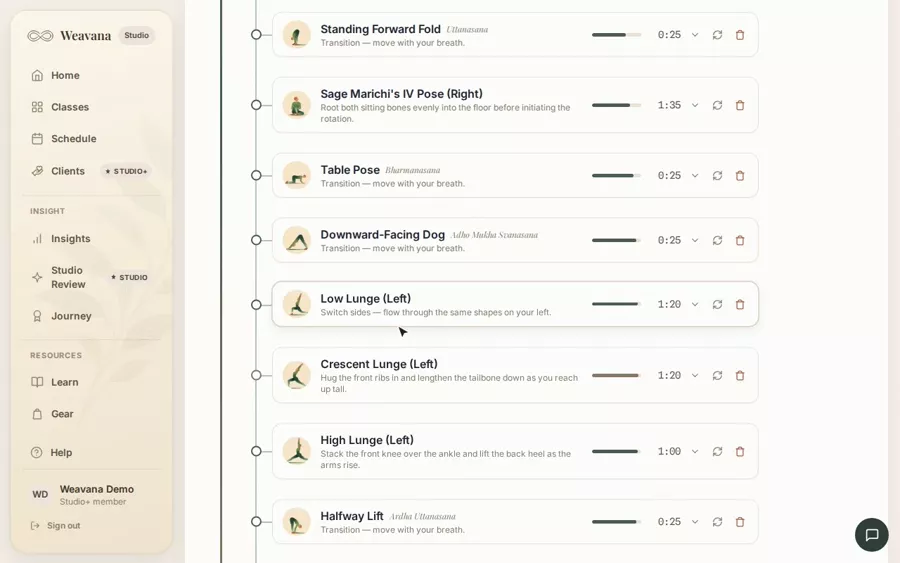
Plan a lesson for a scheduled class
Lesson planningAttach a pose sequence to any session on your calendar.
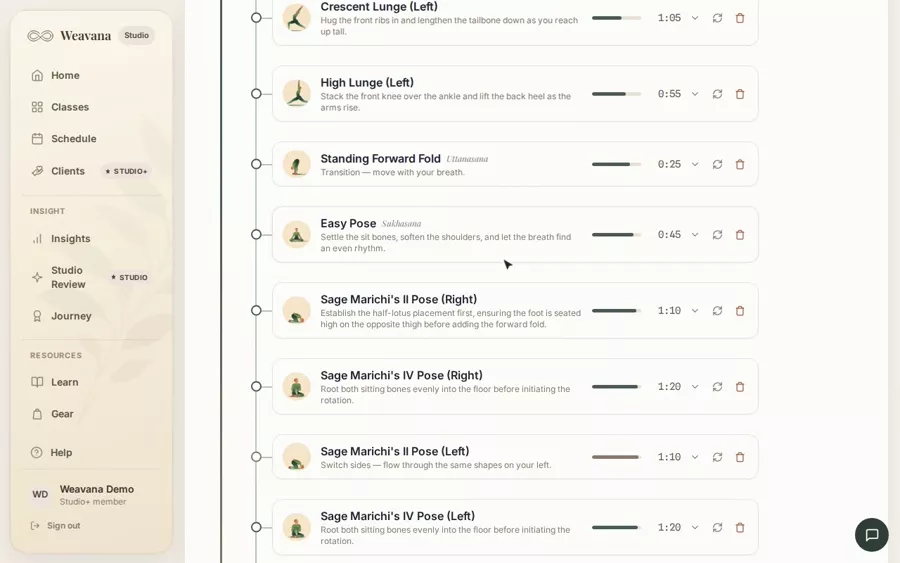
Edit a sequence: poses, movements & cue steps
Lesson planningOpen a pose to edit it, group poses into movements, add timed cue steps, mirror a side, and select several at once.
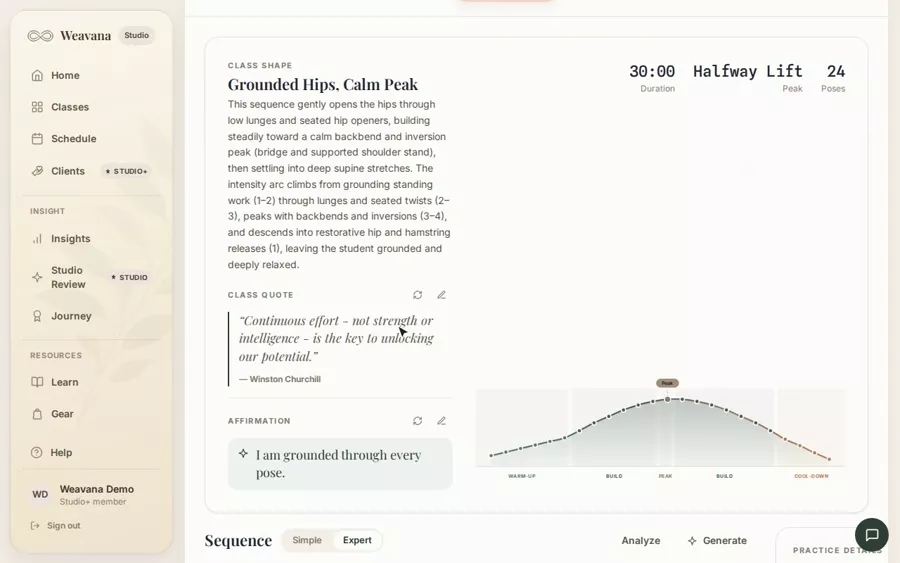
Intensity arcs, explained
Lesson planningWhat Gradual build, Peak & release, Steady, and the other arc shapes mean.
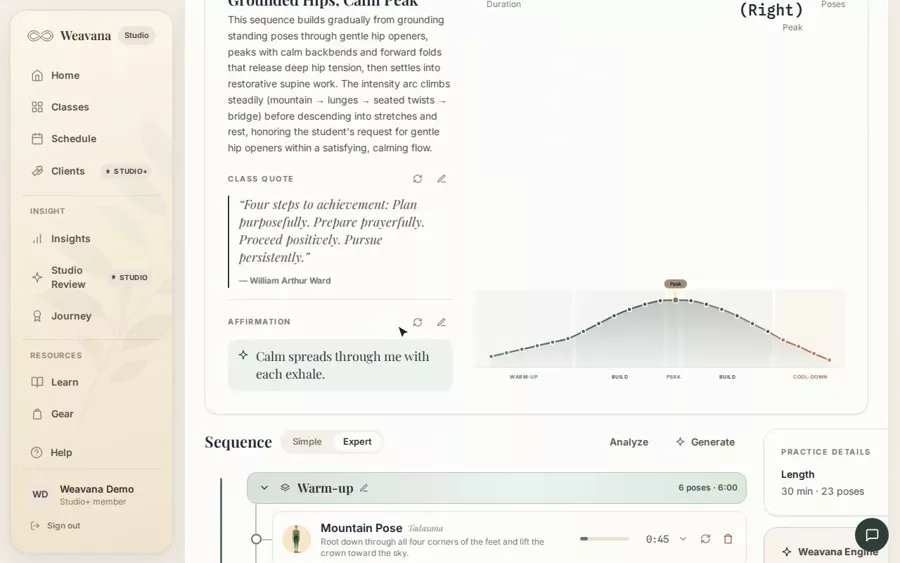
Build a class around a peak pose
Lesson planningPick the pose the whole sequence prepares for and unwinds from.
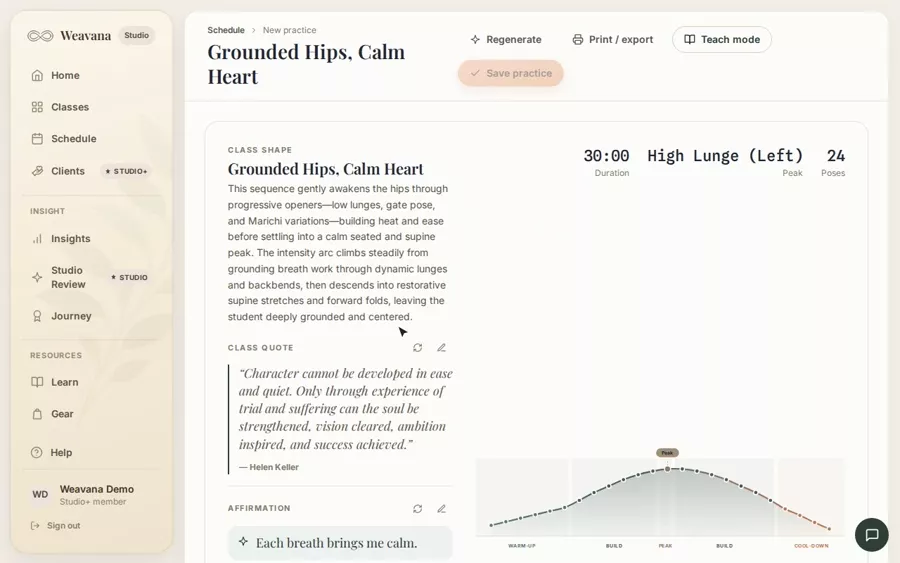
Preview a lesson handout (PDF)
Lesson planningView a watermarked example of the printed handout for any saved lesson.
Order printed lesson handouts
Lesson planningBooklets, cue card decks, or studio posters — printed and mailed in 3–5 business days.
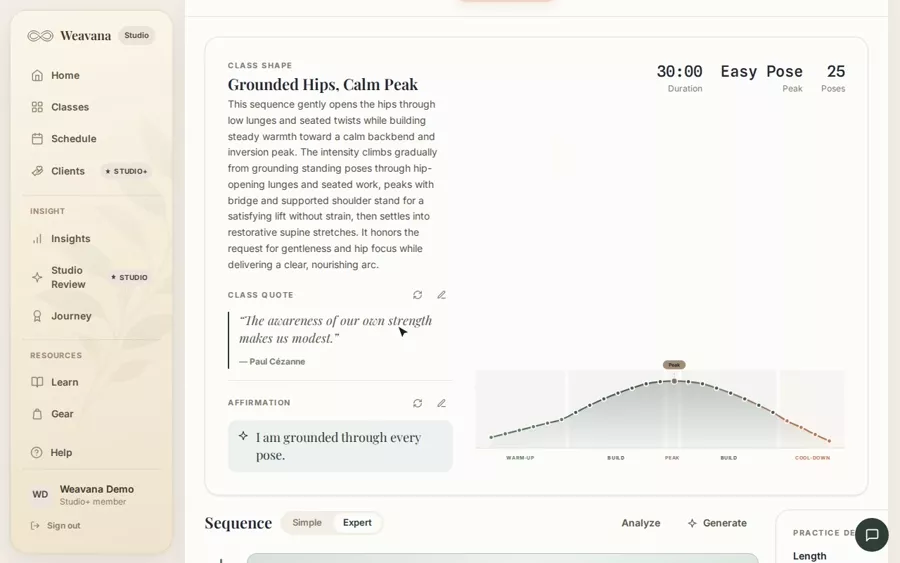
Simple and Expert editing modes
Lesson planningSwitch between a quick drag-to-reorder list and the full sequence tree with grouping and multi-select.
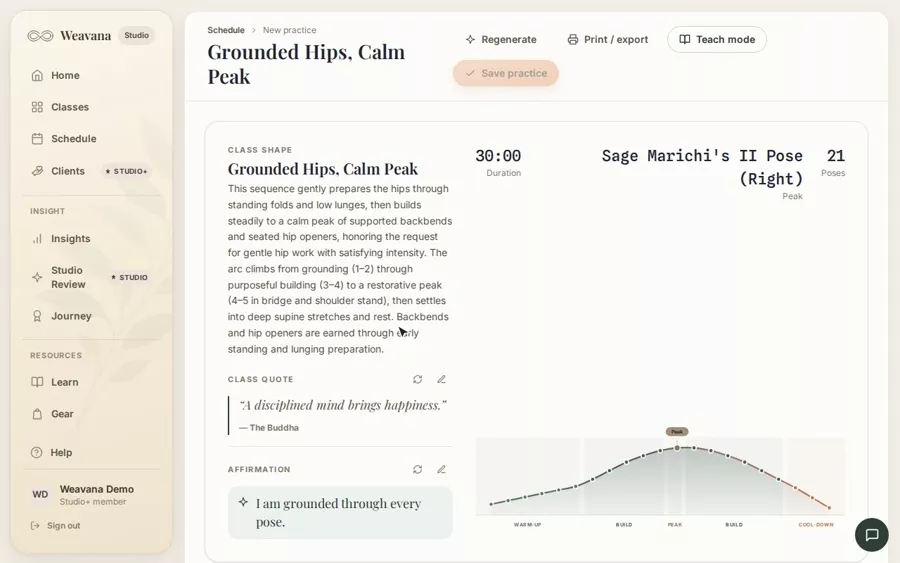
Group poses into a movement
Lesson planningGather consecutive poses into a named, collapsible movement that drags, duplicates, and mirrors as one block.
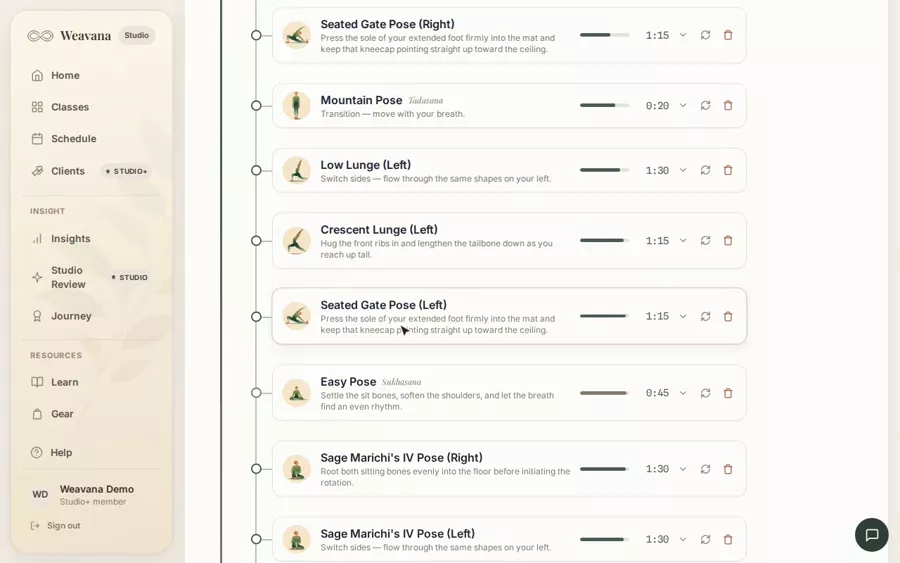
Mirror a pose or movement to the other side
Lesson planningRepeat a pose, a movement, or a whole selected run on the opposite side — left/right cues flip automatically.
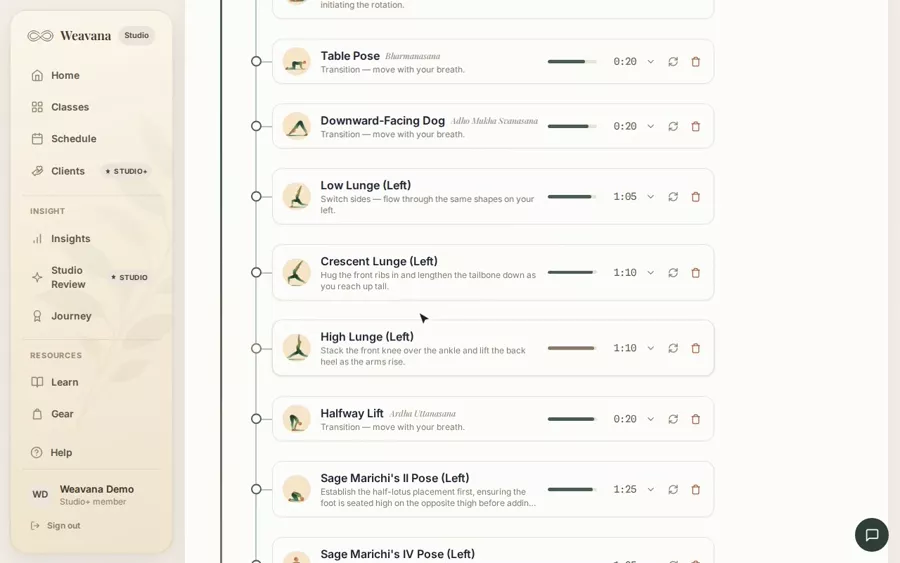
Add timed cues within a pose
Lesson planningBreak a pose into ordered, optionally-timed cue steps — and let Suggest cues draft them for you.
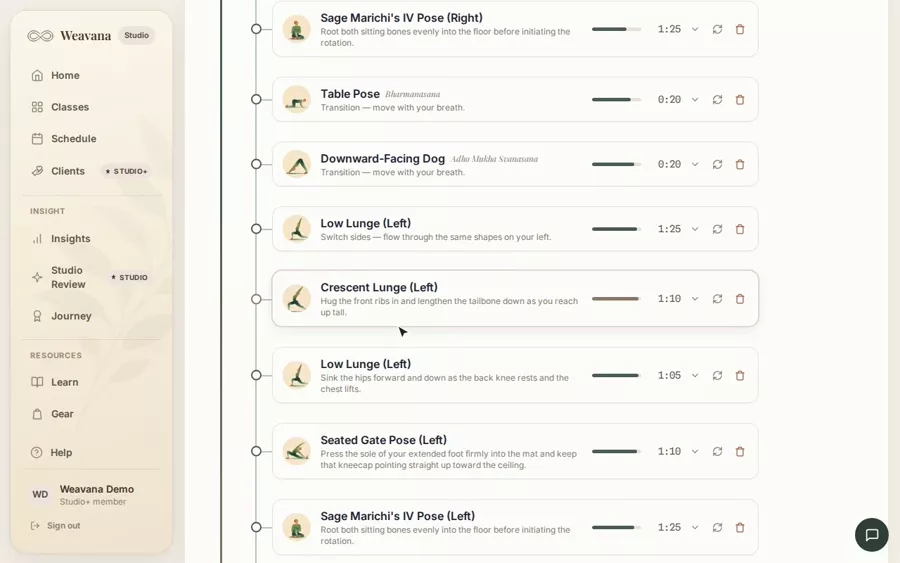
Add a prop or modification to a pose
Lesson planningUse the per-pose "+" to note a prop or a quick modification for this flow without touching the shared pose library.
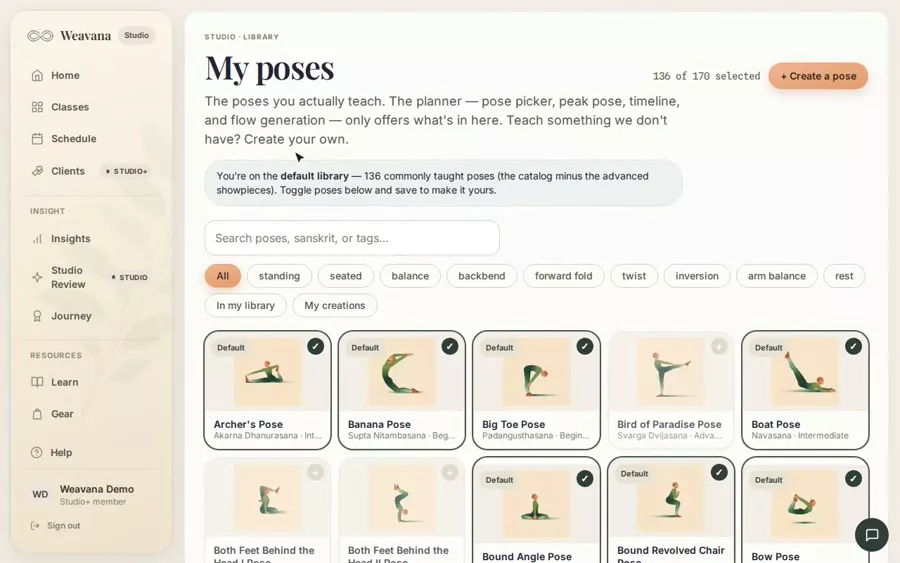
Curate your pose library (My Poses)
Lesson planningChoose which poses appear everywhere you build — pickers, peak selection, the timeline, and flow generation.
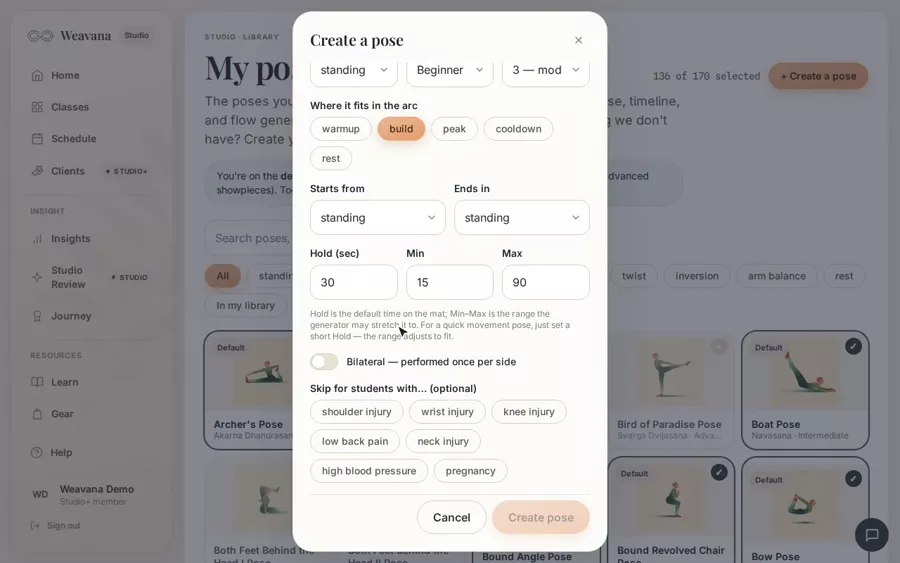
Create a custom pose
Lesson planningAdd your own private pose with full metadata so it flows into pickers, the timeline, and flow generation.
Teaching
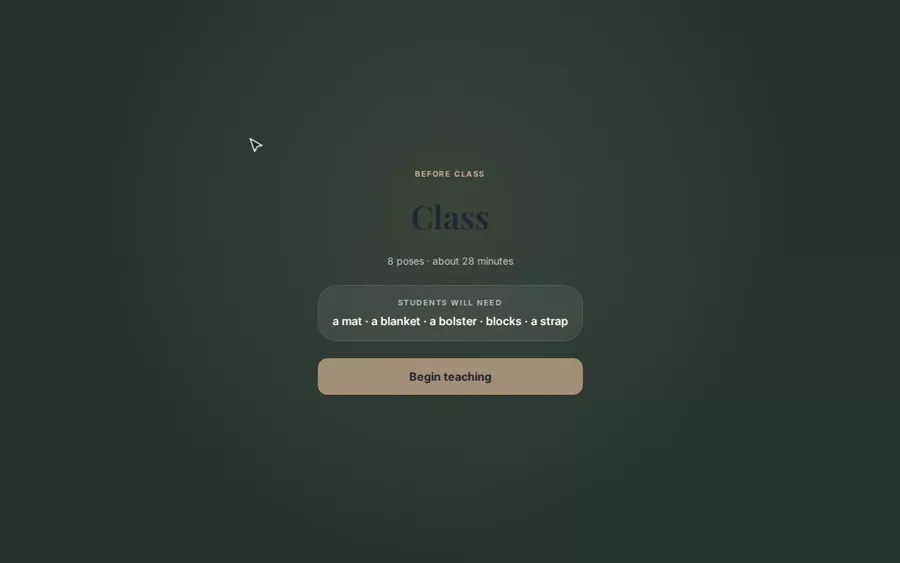
Teach a class with Teach mode
TeachingA fullscreen, glanceable view of the sequence with timing and cues while you teach.
Teach a one-off practice
TeachingPlan an adhoc practice that isn't a recurring class — a workshop, a pop-up, or a class you're covering.
Add a soundtrack to your class
TeachingSet a built-in ambient bed by mood, or attach a Spotify / YouTube / Apple Music playlist to launch at class time.
Hand a class to a substitute
TeachingShare a signed, read-only link that lets a sub teach one lesson without a login — and never sees private client files.
Feedback & analytics
Log feedback after a class
Feedback & analyticsCapture attendance, a class rating, notes, and how each pose landed.
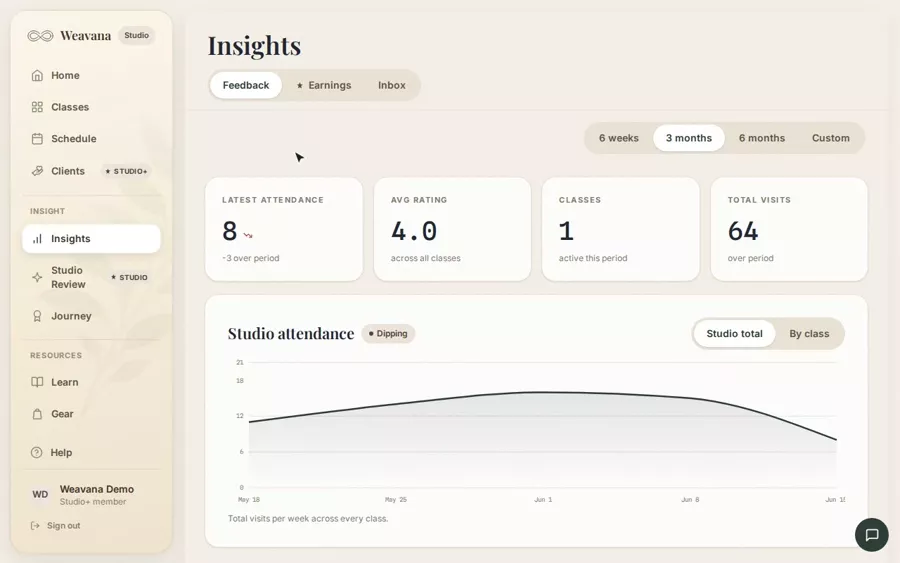
Read your feedback trends
Feedback & analyticsAttendance and rating trends across sessions of each class.
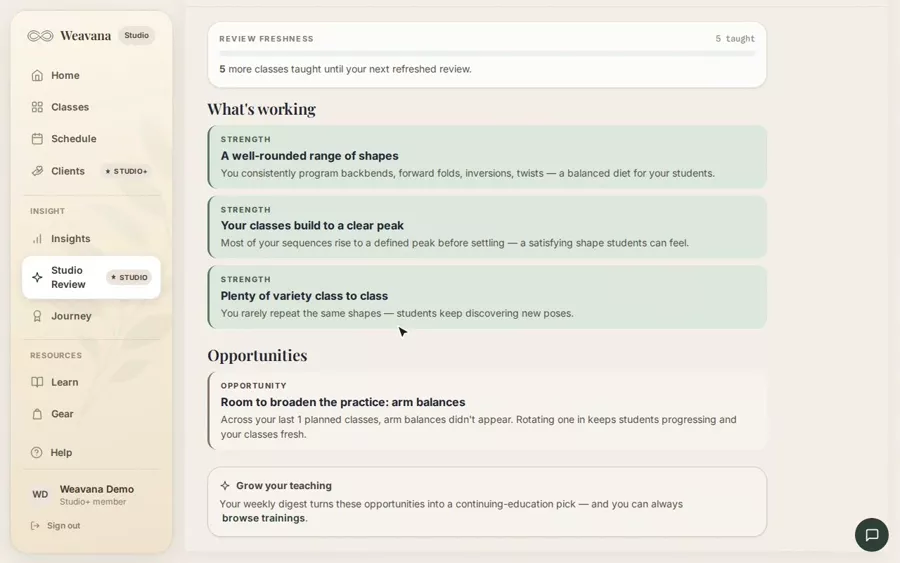
Studio Review: see your curriculum at a glance
Feedback & analyticsAn analysis of your recent classes — coverage, energy arc, variety, and difficulty balance — with suggestions to fill gaps.
Account & billing
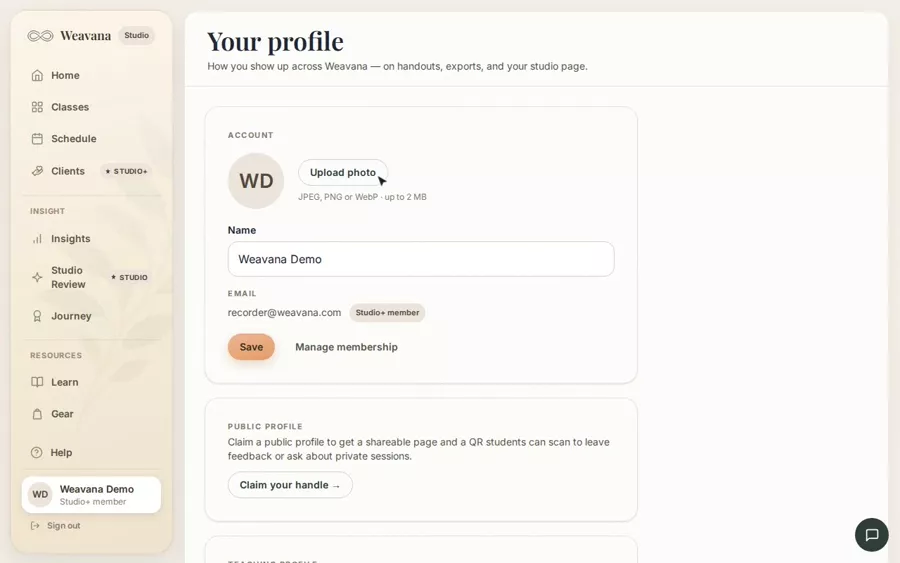
Edit your teaching profile
Account & billingYour name, bio, certifications, studio, and Instagram — how you present as a teacher.
Add or change your profile photo
Account & billingUpload a photo from your profile page; remove it any time.
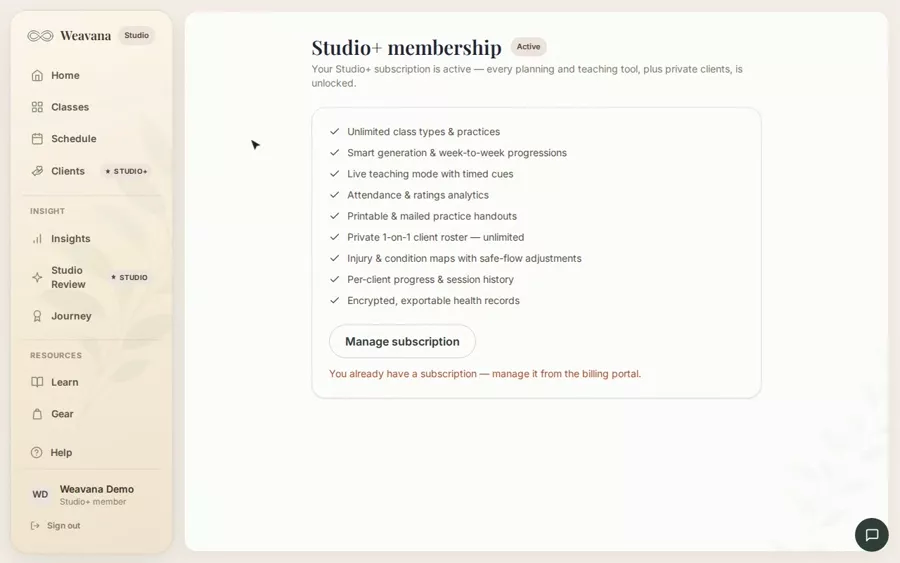
Upgrade to Studio (subscription)
Account & billingStart a free trial, then monthly or annual billing for the full Studio toolset.
Manage billing, invoices, and cancellation
Account & billingUpdate your card, download invoices, switch plans, or cancel — via the Stripe billing portal.
Your 7-day Studio+ trial
Account & billingFull Studio+ access for 7 days with no card; when it ends the studio goes read-only until you subscribe.
What's included: Studio and Studio+
Account & billingUnderstand which features are paid and what the Pro chips around the app mean.
Class reminders & email notifications
Account & billingGet a teach-link reminder before class, a nudge to log notes afterward, and a weekly digest — all tunable.
Send feedback or report a bug
Account & billingUse the floating feedback button to send a bug, idea, or note straight to the team.
Your journey & credentials
What are badges, and how do I earn them?
Your journey & credentialsPractice badges mark milestones on your journey — practices, time on the mat, streaks — across four tiers from Beginner to Guide.
How do I get a certification verified?
Your journey & credentialsSubmit a completed training from your Journey page; we review it by hand. Verified certifications earn a credential badge you can wear on yo
Share your verified credentials with a public link
Your journey & credentialsClaim a personal handle and anyone can confirm your verified certifications at your own /verify link — made for websites, schedules, and bio
Private clients
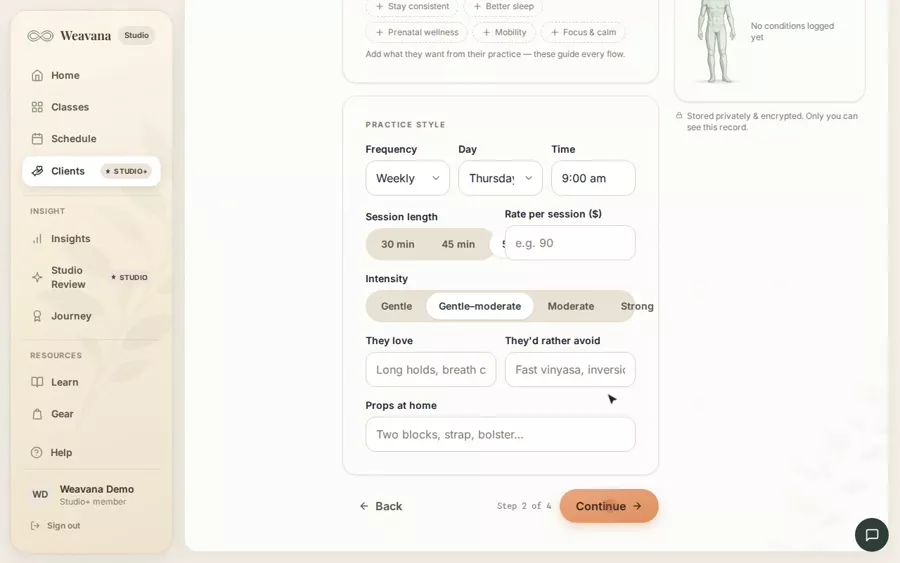
Add a private client
Private clientsBuild your 1-on-1 roster with the intake wizard — goals, style, and any conditions to work around.
Track injuries and conditions on the body map
Private clientsLog conditions on an anatomical figure and keep a flare-up timeline as they improve or heal.
Plan a session around a client's body
Private clientsClient-aware planning flags poses to avoid or modify based on their active conditions.
Schedule private sessions
Private clientsPrivate 1-on-1 sessions ride your normal calendar, titled with the client's name.
Getting paid
Set up payouts with Stripe
Getting paidConnect a Stripe account so private-client payments land directly in your bank — you're the merchant of record.
Set a rate for a private client
Getting paidGive each private client a session rate that drives their charges and earnings totals.
Charge a client and request payment
Getting paidSend a hosted Stripe checkout link for a session, or mark it paid in cash — each session has its own charge state.
Track your earnings
Getting paidSee collected, pending, and outstanding totals, a monthly trend, and a "who owes me" worklist.
Weavana Studio · for teachers
Plan less. Teach more.
Reading up because you teach? Studio builds a class as a paced arc, lets each week's progression suggest itself, and puts a calm, glanceable screen on the mat.
- Smart class generation
- Week-to-week progressions
- Live teaching mode
- Printable handouts